Admin Panel
The plugin adds a Roles management section to the Strapi admin panel under Settings → API Permissions → Roles.
Roles list
The roles list shows all roles, the number of users assigned to each role, and quick action buttons.
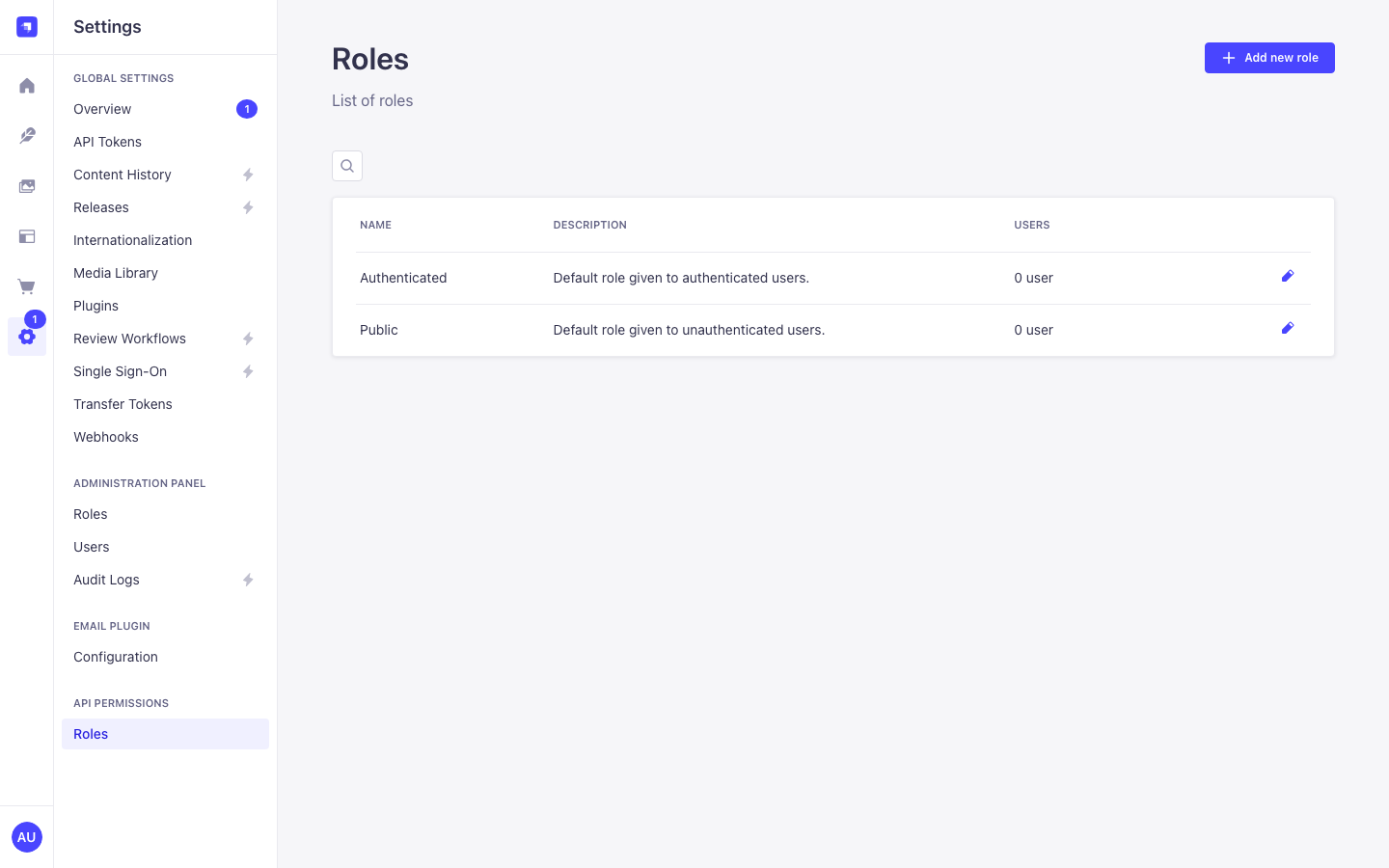
- Create new role — opens the role creation form.
- Edit — opens the role editor.
- Delete — deletes the role and reassigns all its users to the Public role.
The Public role cannot be deleted.
Creating a role
- Click Create new role.
- Enter a Name and an optional Description.
- Click Save.
After saving, you will be redirected to the role editor where you can configure permissions.
Editing a role
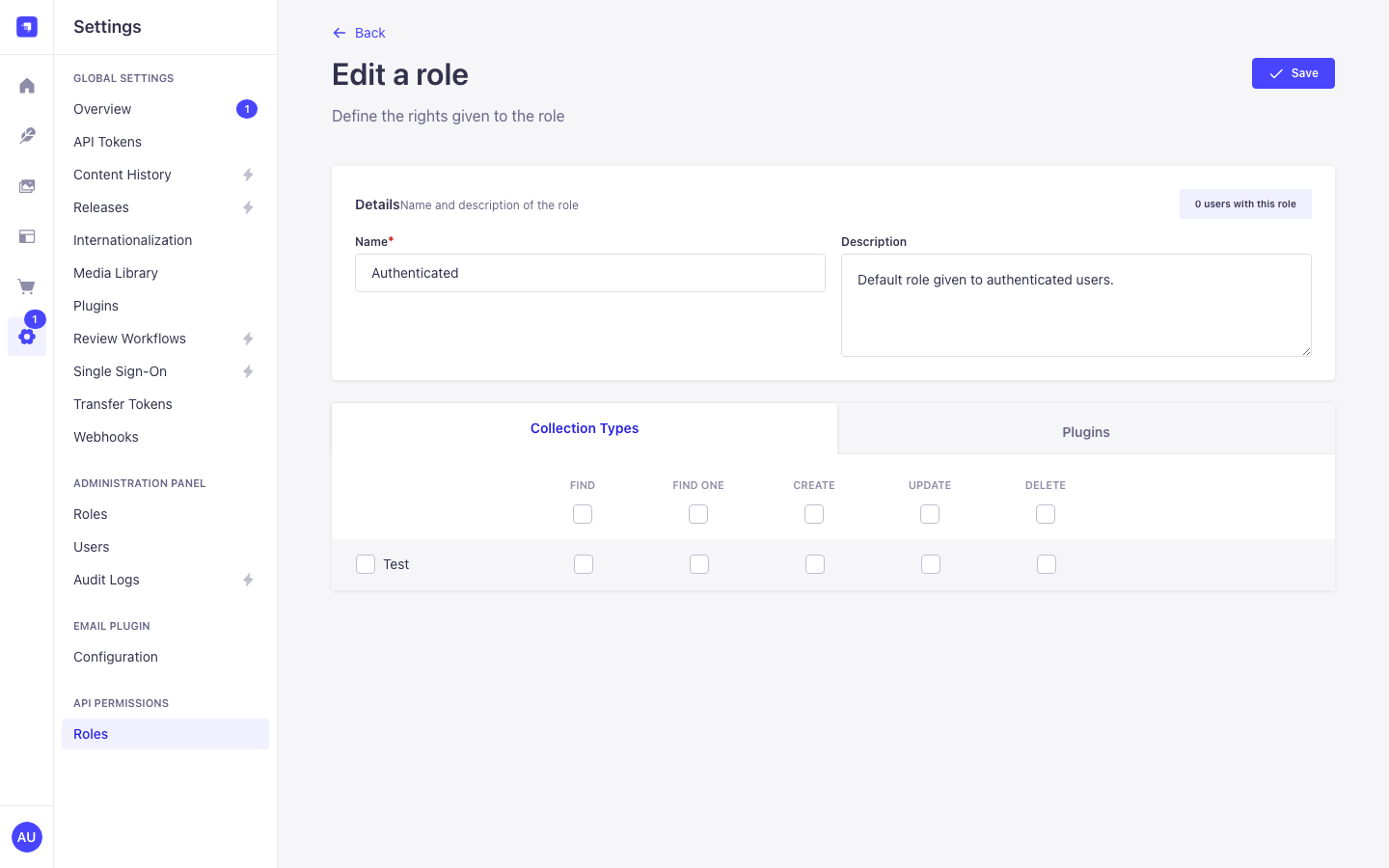
The role editor is divided into two sections:
Content Types
Each content type registered in Strapi is listed with a set of checkboxes for the standard CRUD actions:
| Action | Description |
|---|---|
find | List multiple entries (GET /api/content-type) |
findOne | Retrieve a single entry (GET /api/content-type/:id) |
create | Create a new entry (POST /api/content-type) |
update | Update an existing entry (PUT /api/content-type/:id) |
delete | Delete an entry (DELETE /api/content-type/:id) |
Check the actions you want to allow for this role.
Plugins
Plugin endpoints are listed separately. Check the endpoints you want to expose to this role.
Assigning users to a role
Users are assigned to roles through the roles relation on the user content type. You can manage this in the Content Manager:
- Navigate to Content Manager → Better Auth - User (or your user content type).
- Open a user record.
- Scroll to the roles relation field.
- Add the desired roles.
Default roles behaviour
| Scenario | Applied role |
|---|---|
| No session resolver registered | Public |
Resolver returns null | Public |
Resolver returns { user, roles: [] } | Authenticated (fallback) |
Resolver returns { user, roles: [...] } | All returned roles |